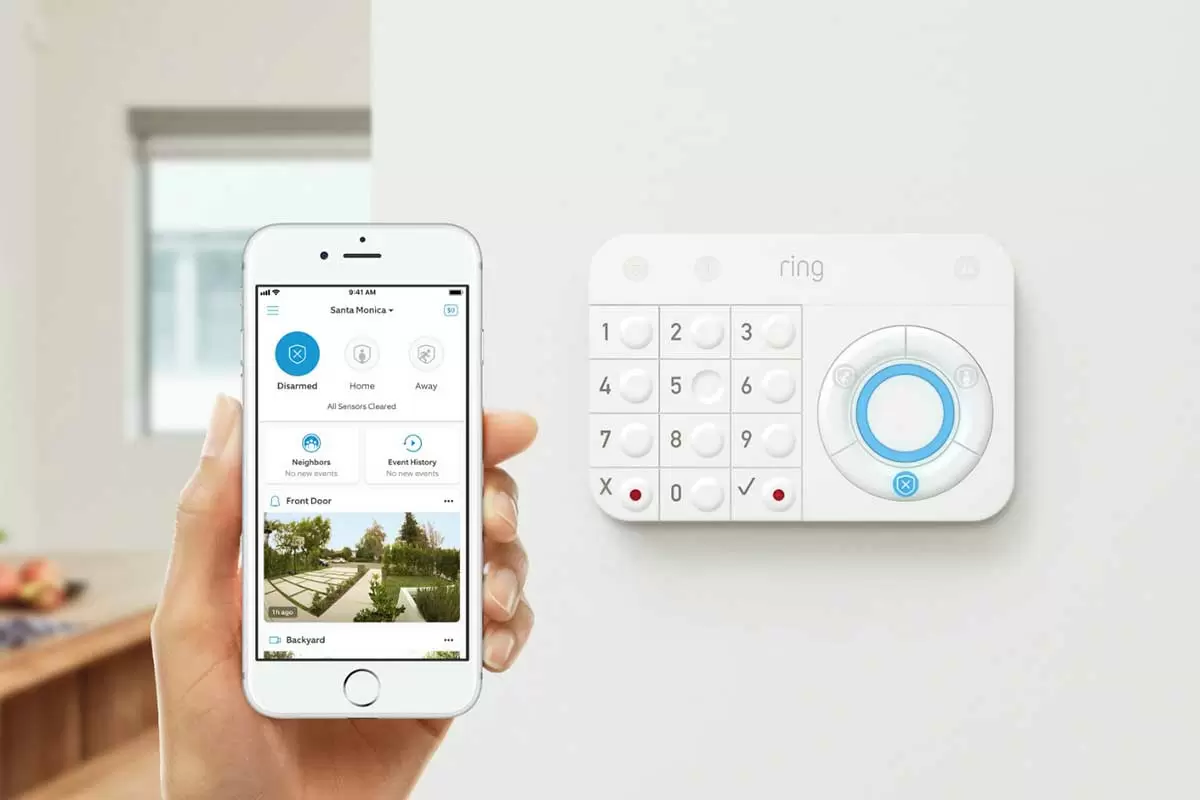
| Title | Blink Home Monitor |
| Version | 6.19.0 |
| Price | Free |
| Category | Common |
| Package | com.immediasemi.android.blink |
In an increasingly connected world, peace of mind is just a tap away. The Blink Home Monitor app transforms your smartphone into a powerful command center for your home security. Designed to work seamlessly with Blink’s line of wire-free, battery-powered cameras, this app puts real-time video monitoring, instant alerts, and easy‑to‑use controls right in your pocket. Whether you are checking in on your pets, keeping an eye on a delivery, or ensuring your home stays safe while you are away, Blink Home Monitor makes security simple, intuitive, and affordable. With a focus on minimal setup and maximum reliability, this tool is perfect for anyone who wants to stay connected to their home without expensive monthly contracts or complicated hardware. Every feature is crafted to give you clear, actionable information so you can respond quickly to events that matter.
Key Features
- Live Video Streaming – View your Blink cameras in real time from anywhere. The app delivers crisp, clear video with minimal delay, so you never miss a moment. Whether you use Wi‑Fi or mobile data, you can always see what is happening at home with just a single tap.
- Motion‑Activated Alerts – Receive instant notifications on your phone whenever motion is detected. The app lets you customize sensitivity, set activity zones, and even schedule when alerts are active. This means you only get the alerts that matter, reducing false alarms from passing cars or rustling leaves.
- Two‑Way Audio – Hear what is happening and speak back through your camera’s built‑in speaker and microphone. Perfect for scaring off unexpected visitors, talking to family members, or reassuring a nervous pet – all from your phone, no matter where you are.
- Free Cloud Storage – Blink Home Monitor includes free cloud storage for motion clips, so you can review recorded events without any monthly fee. Clips are automatically saved for up to 60 days (or longer with a subscription), ensuring you always have access to important footage.
- Customizable Modes & Schedules – Arm and disarm your system with a single tap or set automatic schedules. For example, you can arm cameras when you leave for work and disarm them when you return. The app also supports a “Night” mode that disables motion alerts while you sleep but still allows live viewing.
- Easy Setup & Device Management – Adding new cameras is quick and straightforward. The app guides you through connecting each camera to your Wi‑Fi network, naming it, and placing it in the right location. You can manage multiple cameras from a single dashboard, rename them, and adjust individual settings with ease.
- Smart Home Integration – Works seamlessly with Amazon Alexa and IFTTT. Use voice commands to arm, disarm, or view camera feeds on Echo Show devices. You can also create custom automations, such as turning on lights when motion is detected.
Why Choose Blink Home Monitor?
Security doesn’t have to be complicated or expensive. Blink Home Monitor stands out because it offers a genuinely user‑friendly experience without locking you into long‑term contracts or high monthly fees. The app is designed for everyday people – not just tech enthusiasts – and prioritizes ease of use while still delivering powerful features. Unlike many other home monitoring solutions, Blink cameras run on two AA lithium batteries that can last up to two years, so you don’t have to worry about wiring or frequent recharging. This makes installation truly wire‑free: place a camera on a shelf, mount it on a wall, or set it on a table – it works anywhere within Wi‑Fi range.
Another reason to choose Blink is its reliability. The app has been refined over years of real‑world use and receives regular updates to improve performance and security. Notifications arrive almost instantly, video streams are stable even on slower connections, and the interface is clean and uncluttered. Plus, with free cloud storage for basic motion clips, you don’t need to pay extra for the peace of mind that comes with recorded evidence. And if you do need more storage or longer retention, optional subscription plans are available, but they remain entirely optional – the core experience is free and complete.
Finally, Blink Home Monitor respects your privacy. The app offers robust security measures, including encrypted video streams and secure login options. You control who has access to your cameras, and you can easily share access with family members by inviting them through the app. This balance of openness and control makes Blink a trusted choice for millions of users worldwide.
How to Get Started with Blink Home Monitor
Getting started is incredibly simple. First, download the Blink Home Monitor app from the Google Play Store. Once installed, create a free Blink account or log in if you already have one. The app will walk you through the initial setup, which includes connecting your Blink Sync Module (included with most camera kits) to your home Wi‑Fi network. After that, adding cameras is as easy as scanning a QR code on the camera’s packaging. The entire process usually takes less than 10 minutes per camera.
After setup, you can customize your experience. Name each camera according to its location (e.g., “Front Door,” “Living Room,” “Backyard”) to make it easy to identify alerts. Adjust motion sensitivity for each camera to avoid nuisance alerts from pets or passing traffic. You can also set up activity zones – areas within the camera’s view that trigger alerts – so you only get notified when something important happens in a specific area, like the front porch or the driveway.
One of the most powerful features is scheduling. Tap the “Modes” button to create routines. For example, you can set your cameras to be armed and sending alerts only during work hours (9 AM to 5 PM) or when you are away on vacation. The app also supports a “Disarmed” mode that turns off all recording and alerts while you are home, preserving battery life. With a few taps, you can override any schedule manually if you need to temporarily disarm a camera.
To get the most out of your Blink system, consider these tips: Place cameras at least 8–10 feet high for optimal motion detection. Avoid pointing them directly at heat sources (like a furnace vent) that can trigger false alarms. Use the “motion test” feature within the app to check the detection area before finalizing placement. And remember to keep the camera lenses clean – a quick wipe with a soft cloth every few weeks ensures clear video quality.
Tips & Tricks for Power Users
Once you are comfortable with the basics, Blink Home Monitor offers a few advanced options that can enhance your experience. If you have multiple cameras, you can create “groups” to arm or disarm several cameras at once. This is especially useful if you want to arm all outdoor cameras with a single command. The app also allows you to adjust video quality – you can choose between best quality (slower load time) or normal quality (faster loading) to suit your internet speed.
For users who integrate with Alexa, try setting up a routine like “Alexa, show the front door” to instantly display the feed on your Echo Show. You can also use IFTTT applets to trigger lights, lock doors, or send notifications when motion is detected. Another handy trick: enable “Save to USB” if your Sync Module has a USB port (available on newer models) – this lets you store clips locally as a backup alongside cloud storage.
Battery life is a key advantage of Blink cameras. To maximise it, reduce motion sensitivity if the camera is in a low‑traffic area, and avoid live streaming for extended periods (the app will go idle after 30 seconds of viewing). You can also set the camera to “Night Vision Only” during certain hours – this uses infrared LEDs instead of white light, which draws less power. With these small adjustments, many users report battery lives well beyond the advertised two years.
In summary, the Blink Home Monitor app delivers a comprehensive, user‑friendly home security solution that fits into your lifestyle without unnecessary complexity. From live streaming and motion alerts to free cloud storage and smart home integration, every feature is designed to give you confidence and convenience. Whether you are a first‑time security system user or a seasoned smart home enthusiast, Blink makes it easy to keep an eye on what matters most. Download the app today and start monitoring your home with the freedom of wire‑free, battery‑powered security.